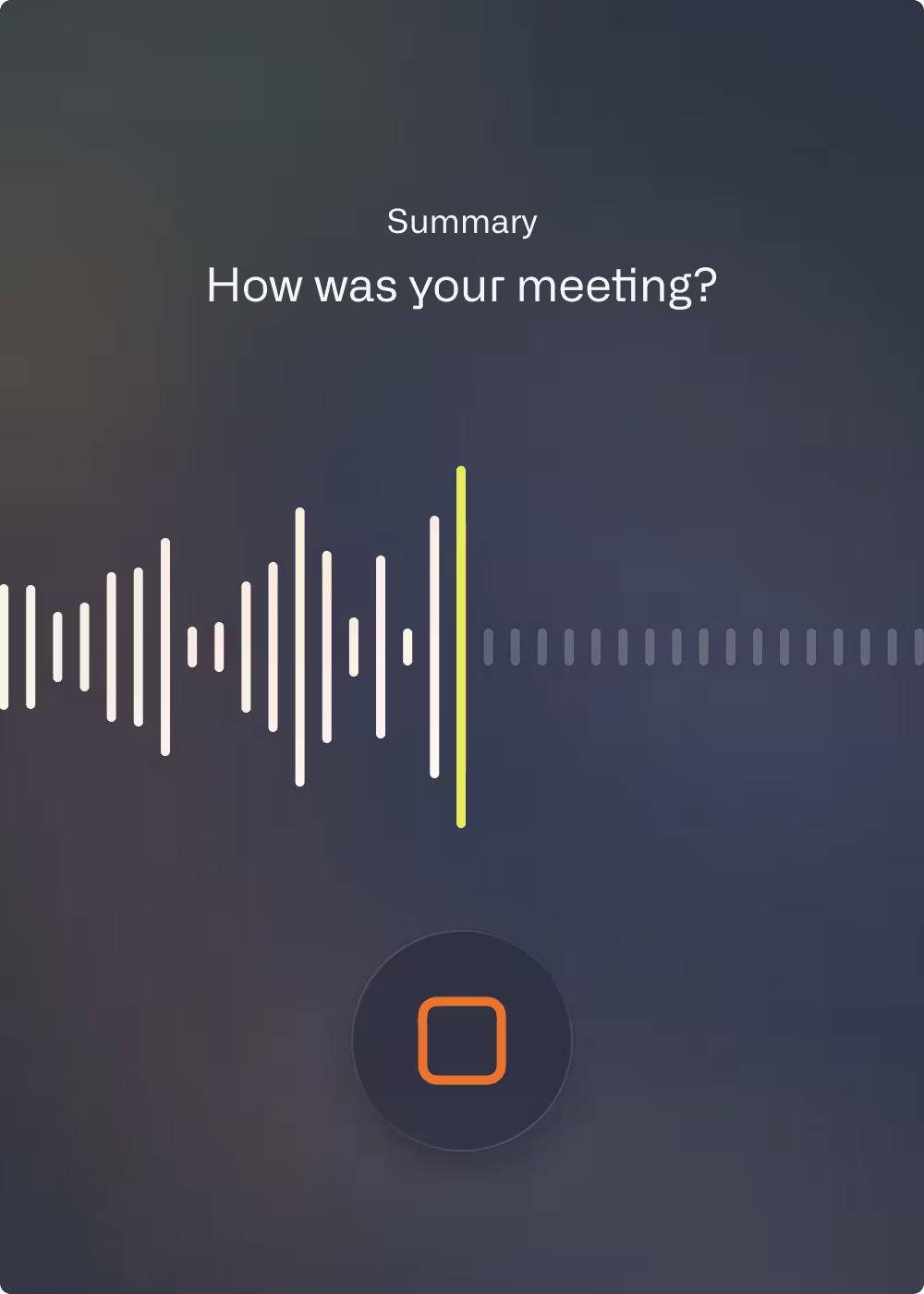
Summary
Voice-to-CRM lets you update your CRM just by talking, with no typing and no switching between screens.
- Why it matters: Manual CRM entry eats up time. Voice-to-CRM saves hours every week, makes data more accurate, and frees reps to focus on selling.
- Where it works: Natively in mobile CRM apps, in AI meeting recap tools like Acto, or through integrations with Outlook, Teams, or Zoom.
- What you can do with it: Dictate meeting notes, create follow-up tasks, update opportunity stages, and log next steps, all in real time.
- Bottom line: Incomplete CRM data means missed orders down the line. Voice-to-CRM removes the #1 cause of bad data: manual entry.
Voice to CRM lets sales reps update their CRM by speaking: they dictate notes between visits, and speech recognition turns the words into structured data in the right CRM fields. Mobile CRM apps such as Salesforce and Dynamics support native voice entry, and AI tools like Acto's field sales app turn a dictated visit report into CRM notes and follow-up tasks. If you are still choosing a system, see which CRM fits wholesale distributors.
What is Voice-to-CRM?
Voice-to-CRM means updating your CRM by talking to it.
No typing up notes, no filling in forms, no clicking through screen after screen: you just talk. Modern tools use speech recognition and natural language processing (NLP) to turn what you say into structured data and drop it into the right CRM fields automatically.
In practice, that looks like this:
- Dictating meeting notes the moment a call ends.
- Updating an opportunity stage before you have even left the parking lot.
- Creating follow-up tasks on the go, without opening a laptop.
Think of it as voice-to-text for sales reps, built specifically for the CRM.
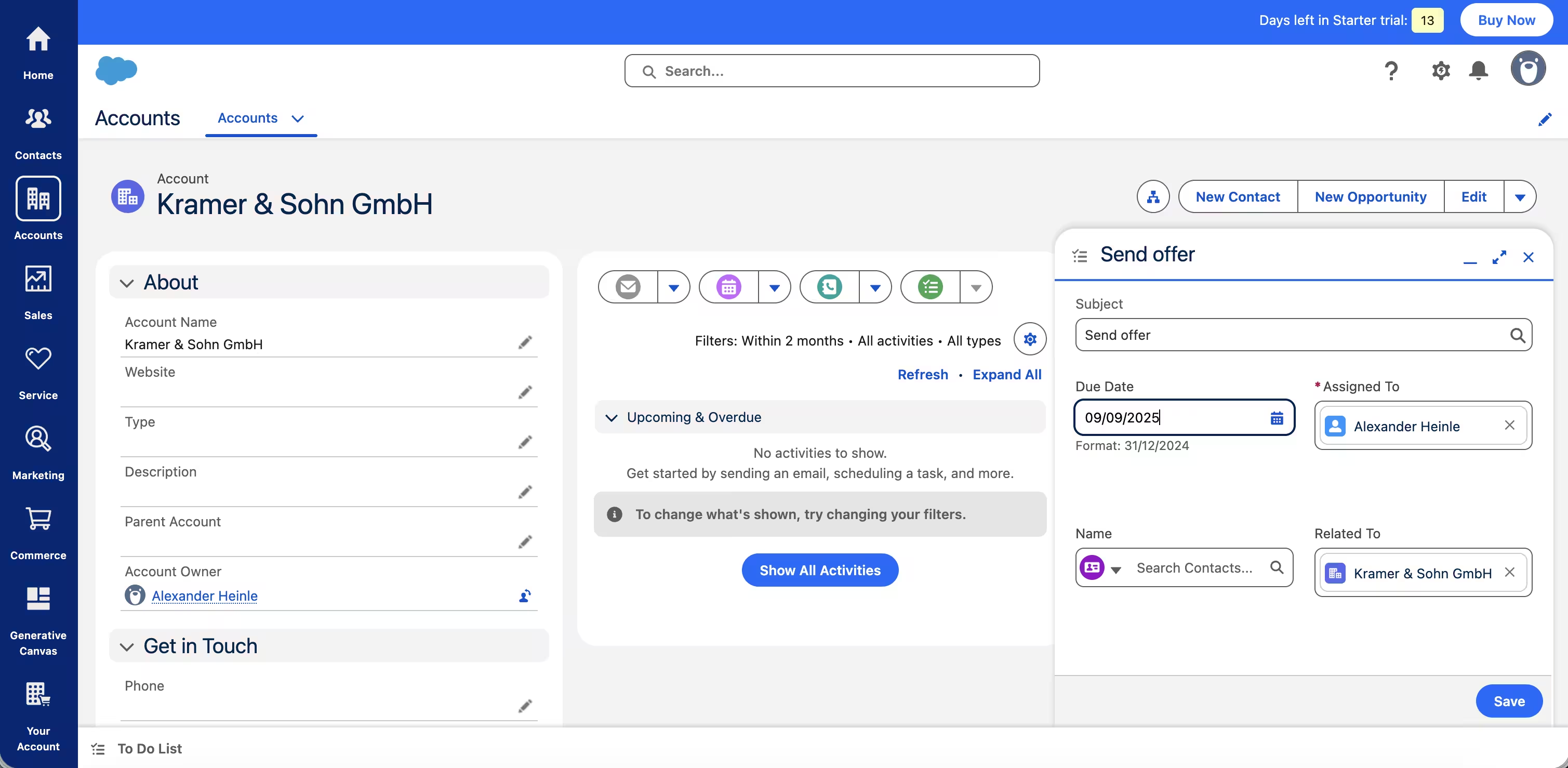
Why Does Voice-to-CRM Matter?
Manual CRM entry is the part of the job sales reps hate most. Reps spend 75% of their time on non-selling tasks, and typing up notes is a big chunk of that. Field reps feel it most, since they are constantly on the road and spend most of their time behind the wheel.
The result is poor CRM data: incomplete records, gaps in what you know about promising deals, and missed opportunities.
Here is how voice-to-CRM changes that:
- It saves time: Speaking is 3x faster than typing.
- It captures better data: Notes recorded on the spot are fresher and more accurate than whatever you can remember at the end of the day.
- It improves adoption: The less painful the CRM feels, the more reps actually use it.
CRM updates stop being a chore and become something reps do naturally, even on the drive to their next meeting.
Want to Start for Free? Try Voice Notes
You don’t need special software to try voice notes.
Record a quick note in your phone’s voice memo app right after a meeting. Then you have two options:
- Paste the transcript into your CRM by hand at the end of the day.
- Use a free transcription tool (Google Recorder, Otter’s free tier, or even WhatsApp voice notes) to turn the recording into text you can paste into your CRM.
It isn’t fully automated, but it’s still faster than typing, and no details get lost along the way. If you’d like a fixed structure, our sales visit report template shows which fields to capture.
The catch with this quick hack: some steps are still manual. Voice-to-CRM tools like Acto are built to handle them for you.
Where Can You Use Voice-to-CRM?
Voice-to-CRM isn’t tied to a single tool. You can use it:
- In your mobile CRM app: Many platforms, including Salesforce and Dynamics, now support voice entry natively.
- With AI meeting recap tools: Tools like Acto summarize calls automatically and push structured data into your CRM.
- Inside Outlook, Teams, or Zoom: Some integrations let you log notes and tasks without leaving the app you're working in.
The upshot: you don’t have to change how you work. Voice-to-CRM fits into the tools you already use.
Tip: With Acto's field sales software, your team records visit reports by voice right after each meeting. Acto turns them into CRM notes and follow-up tasks, and that information feeds straight into the prep for the next customer visit.
What Can You Do with Voice-to-CRM? A Few Examples
Here’s how a typical rep might use it over a single day:
- After a meeting: Dictate what you discussed, log next steps, and set follow-up tasks.
- In the car: Move an opportunity to the next stage before you even get back to the office.
- In the evening: Record a quick voice note so a customer insight doesn’t slip your mind.
- On the fly: Look up account details by voice, hands-free.
The result: cleaner CRM data, faster. And because the data comes in as things happen, managers get a live picture of pipeline health without the end-of-week scramble.
Wondering which field sales apps support voice input today? Our comparison of the best field sales apps 2026 covers Acto, Badger Maps, SPOTIO, Map My Customers and Pipedrive.
The Bottom Line
A CRM is only as good as the data in it. When reps put off updates or skip them altogether, decisions get made on bad information. Voice-to-CRM removes the biggest obstacle to good data: manual typing.
If your team loses time to data entry or struggles to get reps using the CRM, voice-to-CRM may be the easiest win you can land this quarter.
Want to see it in action? Book a demo of Acto's field sales and voice-to-CRM solution.